

AN ICON. REMASTERED:
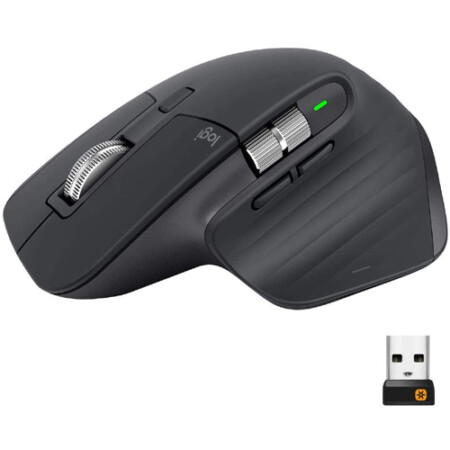
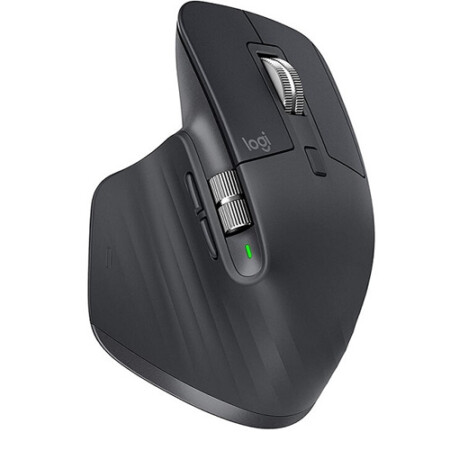
Meet MX Master 3S – an iconic mouse remastered.
Feel every moment of your workflow with even more precision, tactility, and performance, thanks to Quiet Clicks and an 8,000 DPI track-on-glass114 mm minimum glass thickness. sensor.
MEET THE MASTER:
MX Master 3 is instant precision and infinite potential. It’s the most advanced Master Series mouse yet – designed for creatives and engineered for coders. If you can think it, you can master it.
SCROLL 1,000 LINES IN 1 SECOND:
We reinvented the wheel. All-new MagSpeed™ Electromagnetic scrolling is precise enough to stop on a pixel and quick enough to scroll 1,000 lines in a second. Oh, and it’s nearly silent.The wheel’s machined steel gives it a premium tactility and enough weight to offer a dynamic inertia you feel – but don’t hear.
CRAFTED FORM MEETS INTUITIVE CONTROL:
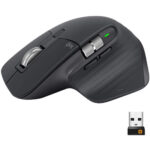
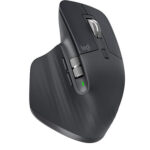
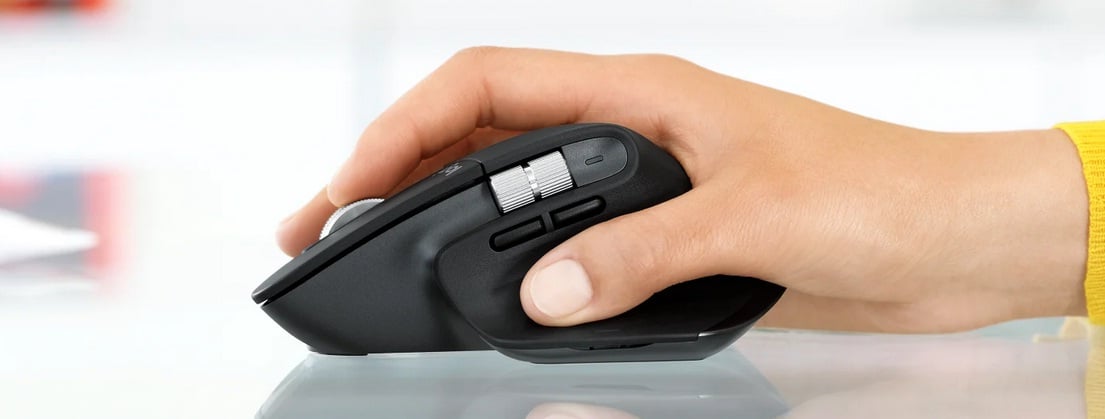
Work comfortably with a silhouette perfectly crafted for the shape of your palm. Create, make, and do more intuitively with ideally-placed front/back, and gesture buttons – and a new thumb wheel.
WORK FASTER WITH APP-SPECIFIC CUSTOMIZATIONS:
Customize MX Master 3 and configure every action for your specific workflow. MX Master 3 is fully customizable in nearly every app you use – and you’ll work faster with predefined customizations optimized for your favorite apps12Requires Logitech Options software, available for macOS and Windows. – Adobe Photoshop®, Adobe Premiere Pro, Final Cut Pro®, Google Chrome™, Safari®, Zoom®, Microsoft Teams®, Word®, Excel®, PowerPoint®, and Edge.
APP-SPECIFIC SETTINGS TUTORIAL:
See demonstration video on how to use MX Master 3 in your everyday applications.
MULTIPLE COMPUTERS, ONE MX MASTER 3:
Seamlessly control multiple computers with your Flow-enabled MX Master 3 by simply moving your cursor to the edge of the screen. Your MX Master 3 flows with you, even between Windows® and macOS® operating systems.Effortlessly transfer text, images, and files between computers
MULTI OS:
MX Master 3 works with Windows, macOS, and Linux®17Sensor, wheel, and buttons will be supported without adding additional drivers in most popular Linux distributions. operating systems.
EASY-SWITCH ENABLED:
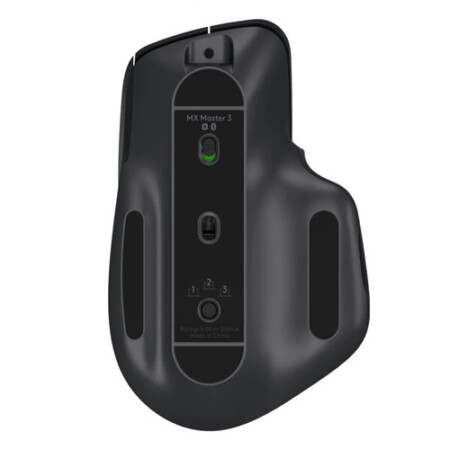
Pair your mouse with up to three devices and switch between them with the touch of an Easy-Switch™ button. Use one MX Master 3 for your laptop, home computer, and office desktop.
READY FOR VIDEO CALLS:
Make meetings a breeze with predefined settings for Microsoft Teams and Zoom. Instantly mute and Start/Stop the video with the two buttons on the left side of your MX Master 3.
RESPONSIBLE PACKAGING:
MX Master 3 packaging contains only FSC® -certified paper. Compared to the previous generation of the product it uses 90% less packaging plastic and results in a 14% reduction in lifecycle carbon.
No account yet?
Create an Account