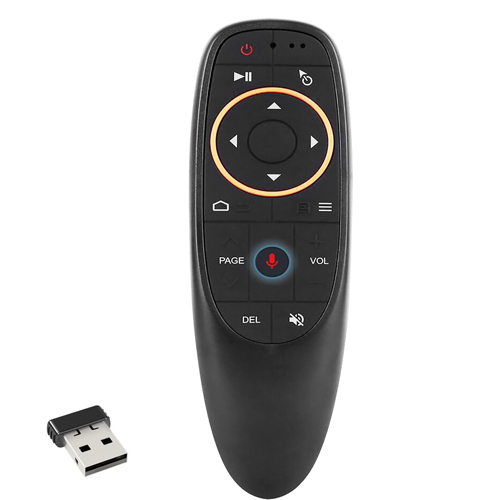
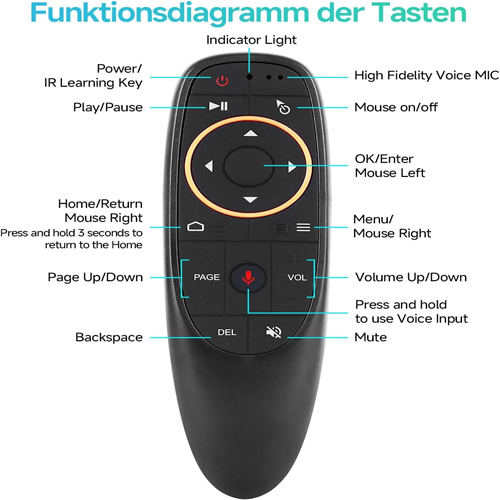
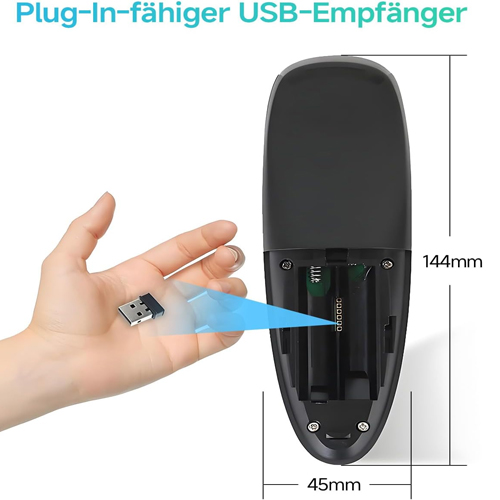
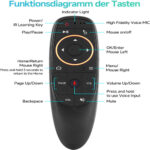
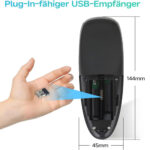
USE: When using for the first time, connect a USB receiver to the USB port of your device and wait 20 to 60 seconds to install the USB receiver driver. Move the remote control. The cursor can move on the screen, which means pairing is successful.
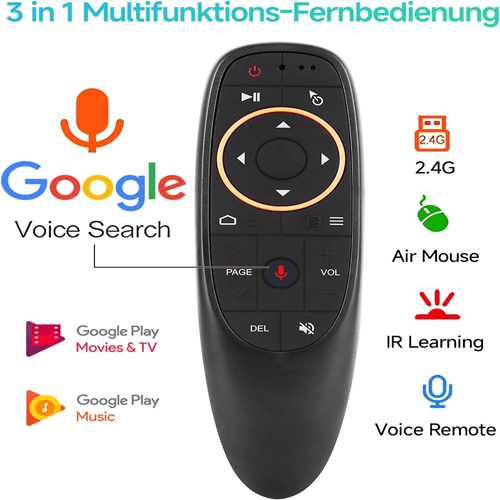
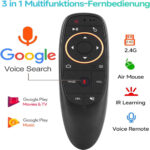
Three functions:
1. Voice search function:
Built-in microphone with air remote control that can chat with friends or enter words by voice. Only works for the built-in search box or apps for voice input.
2. Wireless 2.4G Air Fly Mouse
Supports stable and highly sensitive wireless control up to 10 meters away via the USB receiver (included).
3. IR learning (take the example of learning the “Power” button)
① Press and hold the on/off button. The Air Mouse switches to IR learning mode when the LED flashes slowly.
②Press the “Power” button when you align the IR transmitter with the air mouse. Air Mouse successfully receives the code when the LED lights up.
③ LED flashes slowly means that Air Mouse has finished learning.
④ The data is automatically saved and the product leaves the learning mode.
⑤Press “OK” + “DEL” to clean the code.
Compatible device and system:
Device: Smart TV, Android TV Box, Mini PC, HTPC, Projector
System: Linux, Android, Windows, Mac OS.
Create technical data:
Transmission method: 2.4G RF wireless.
Sensors: 6-axis gyroscope.
Number of keys: 17.
Range: 10 m.
Battery type: AAA x 2 (not included).
Material: ABS plastic and silicone.
Size: 143 x 45 x 29 mm.
Weight: 50g
Package:
1 x 2.4G voice air remote control (without battery).
1 x user manual (English language not guaranteed).
1 x USB receiver