| Compatibility |
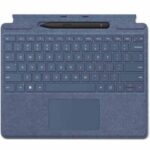
Surface Pro Signature Keyboard |
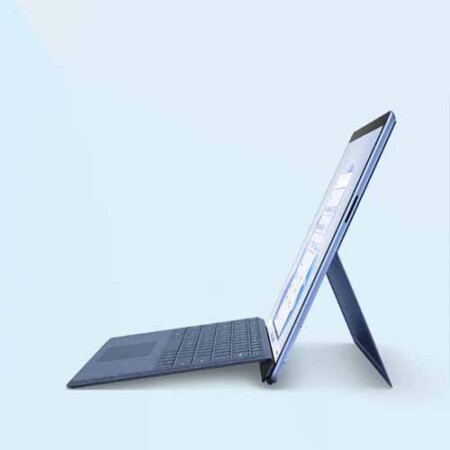
Surface Pro 9
Surface Pro 8
Surface Pro X |
| Surface Slim Pen 2 |
Surface Laptop Studio
Surface Pro 8, Surface Pro 9
Surface Pro X
Surface Duo 2
Surface Hub 2S
Surface Slim Pen 2 Tips
Surface Slim Pen Charger |
| Dimensions |
Surface Pro Signature Keyboard |
289.1 x 226.1 x 4.89 mm (11.38” x 8.90” x .19”) |
| Surface Slim Pen 2 |
136.8 x 11.3 x 6.3 mm (5.38” x 0.44” x 0.25”) |
| Weight |
Surface Pro Signature Keyboard with Surface Slim Pen 2 |
294 g (0.65 lbs) |
| Surface Pro Signature Keyboard |
281 g (0.62 lbs) |
| Surface Slim Pen 2 |
13 g (0.03 lbs) |
| Exterior |
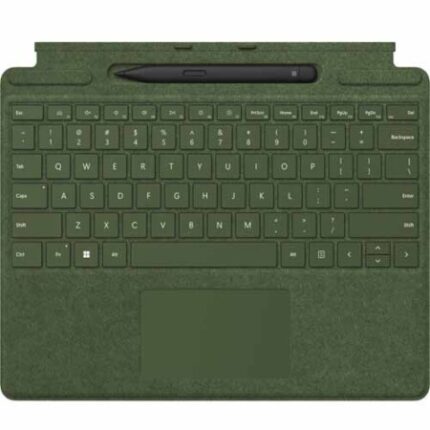
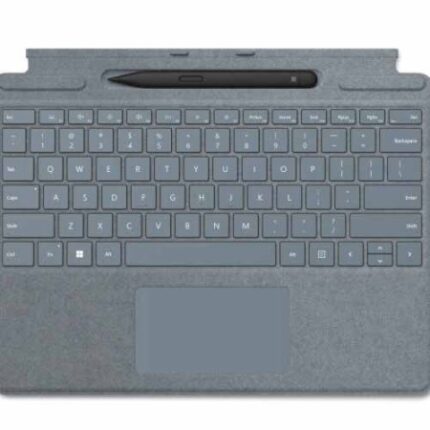
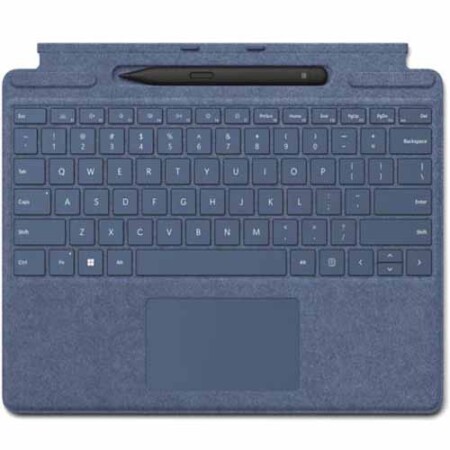
Surface Pro Signature Keyboard exterior |
Material: Alcantara®
Colors: Sapphire, Forest, Platinum, Poppy Red, Black |
| Surface Slim Pen 2 color and material |
Matte Black; plastic enclosure |
| Connections |
Surface Slim Pen 2 connections |
Bluetooth® Wireless 5.0 Technology |
| Interface |
Surface Pro Signature Keyboard interface |
Magnetic |
| Pen integration |
|
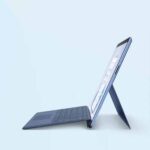
Surface Pro Signature Keyboard Pen integration
Surface Slim Pen 2 storage and charging |
| Keys |
Surface Pro Signature Keyboard keys |
Activation: Moving (mechanical) keys
Layout: QWERTY (US), full row of function keys (F1 – F12)
Dedicated buttons for Windows shortcuts, media controls, screen brightness
Right click button |
| Sensors |
Surface Pro Signature Keyboard sensors |
Accelerometer |
| Buttons |
Surface Slim Pen 2 buttons |
Side button, Top Button with eraser functionality |
| Tactile signals |
Surface Slim Pen 2 |
Haptic feedback functionality compatible only with Surface Pro 8, Surface Pro 9, and Surface Laptop Studio with Windows 11 |
| Pressure and sensitivity |
Surface Slim Pen 2 pressure sensitivity |
4,096 pressure levels
Zero force inking |
| Battery |
Surface Slim Pen 2 battery |
Surface Slim Pen 2 battery
Rechargeable Lithium Ion
Up to 15 hours of typical usage |
| Battery capacities |
Surface Slim Pen 2 battery capacities |
Battery Capacity Nominal (WH) 0.171
Battery Capacity Min (WH) 0.164 |