Specifications:
Compatibility[1],[2],[3],[4]
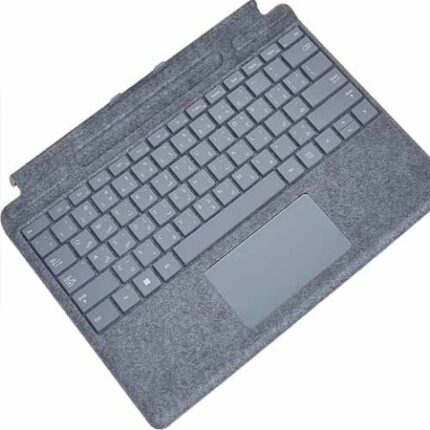
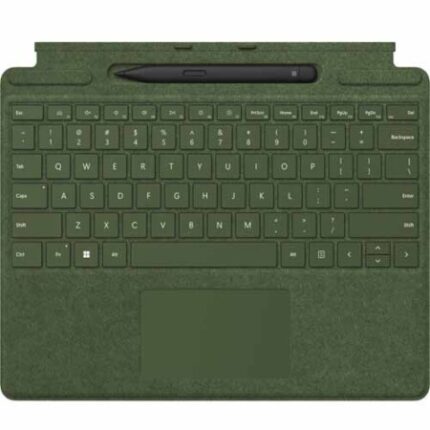
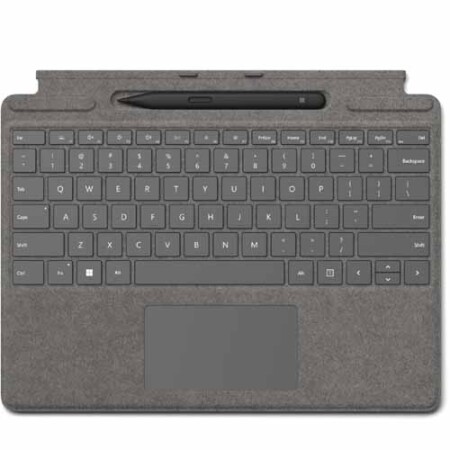
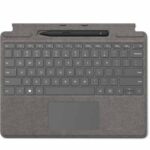
Surface Pro Signature Keyboard
Surface Pro 8
Surface Pro X
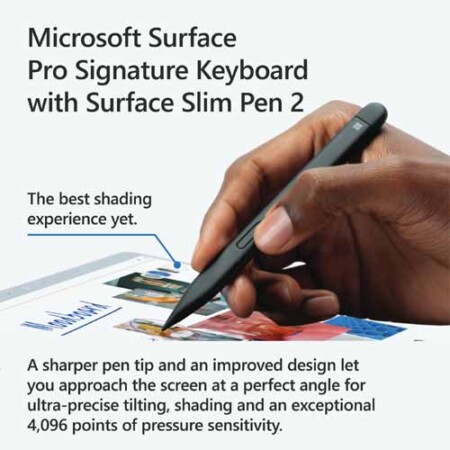
Surface Slim Pen 2
Surface Laptop Studio
Surface Pro 3 – Surface Pro 8
Surface Pro X
Surface Duo, Surface Duo 2
Surface Go, Go 2, Surface Go 3
Surface Hub 2S
Surface Laptop 1 – 4
Surface Studio 1, 2
Surface Book 1 – 3
Non Surface devices that support Microsoft Pen Protocol (MPP)
Dimensions
Surface Pro Signature Keyboard
11.38″ x 8.90″ x .19″ (289.1 x 226.1 x 4.89 mm)
Surface Slim Pen 2
5.38″ x 0.44″ x 0.25″ (136.8 x 11.3 x 6.3 mm)
Weight
Surface Pro Signature Keyboard with Slim Pen 2
0.65 lbs (294 g)
Surface Pro Signature Keyboard
0.62 lbs (281 g)
Surface Slim Pen 2
0.03 lbs (13 g)
Exterior[5]
Surface Pro Signature Keyboard
Material: AlcantaraColour: Platinum
Surface Slim Pen 2
Material: Plastic Enclosure
Color: Matte Black
Connections
Surface Slim Pen 2
BluetoothWireless 5.0 Technology
Interface
Surface Pro Signature Keyboard
Magnetic
Pen integration
Surface Pro Signature Keyboard
Surface Slim Pen 2 storage and charging
Keys
Surface Pro Signature Keyboard
Activation: Moving (mechanical) keys
Layout: English, full row of function keys (F1 – F12)
Dedicated buttons for Windows shortcuts, media controls, screen brightness
Right click button
Sensors
Surface Pro Signature Keyboard
Accelerometer
Buttons
Surface Slim Pen 2
Side button, Top Button with eraser functionality
Tactile signals
Surface Slim Pen 2
Haptic feedback functionality compatible only with Surface Laptop Studio[1] and Surface Pro 8[1] with Windows 11
Pressure and sensitivity
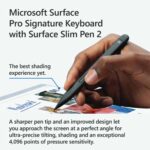
Surface Slim Pen 2
4,096 pressure levels
Zero force inking[4]
Battery
Surface Slim Pen 2
Rechargeable Lithium Ion
Up to 15 hours of typical usage6
What’s in the box
Surface Slim Pen 2
Surface Pro Signature Keyboard
Quick Start Guide
Safety and Warranty documents
Notes
[1] Sold separately.
[2] Surface Slim Pen 2 tilt functionality is available with Surface Laptop Studio, Surface Pro 3-Surface Pro 8; Surface Pro X; Surface Go 1-Surface Go 3; Surface Laptop 1-4; Surface Studio 1, 2; Surface Book 1-3. Additional compatibility details can be found at aka.ms/SurfaceSlimPenCompatibility
[3] Pairing functionality requires Windows 10, Windows 11, or Android with the latest updates.
[4] Zero force inking will only work when Surface Slim Pen 2 is used with Surface Pro 8, Surface Pro X, Surface Laptop Studio, and Surface Duo 2. Additional compatibility details can be found at aka.ms/SurfaceSlimPenCompatibility
[5] Available colors may vary by market.
[6] Battery life varies significantly based on usage, network and feature configuration, signal strength, settings and other factors. See aka.ms/SurfaceBatteryPerformance for details.